
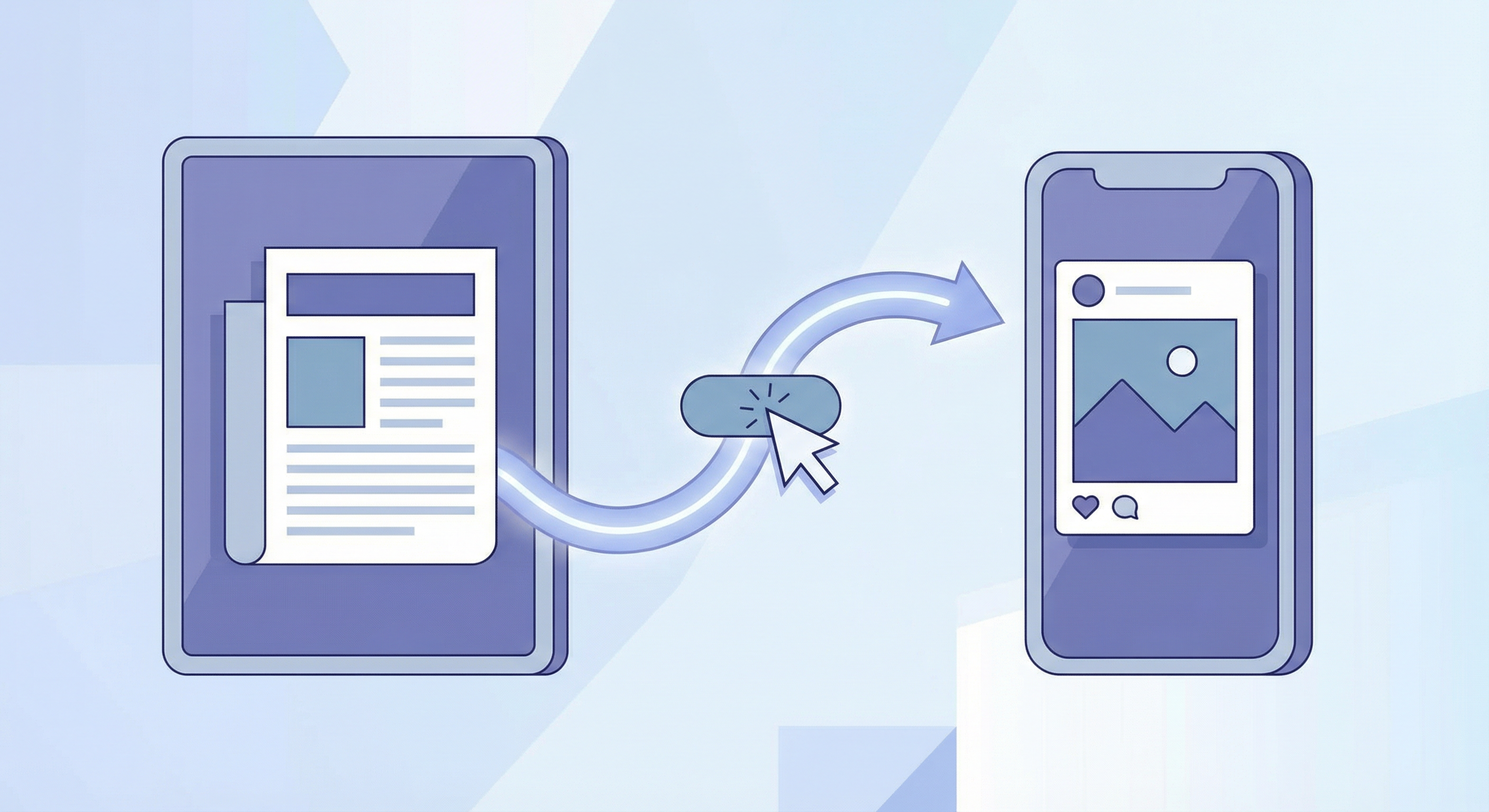
Going from article to social post in one click means you don’t leave the article, open a separate tool, or rewrite by hand. You select the paragraph or quote you want to share, trigger the tool, and get a draft tailored to the platform. One selection, one click, one (or more) post drafts.
Why one-click matters
Friction kills consistency. If you have to copy the passage, open another app, paste, and then prompt or format, you’re less likely to repurpose often. One-click flow keeps you on the page: select, generate, copy. The article stays the source of truth; the tool produces the social derivative. That’s how you turn reading into a steady stream of posts.
How SnipPost delivers one-click
With SnipPost installed, you select the text on the article page, click the extension, and choose to generate social snippets. You get drafts for Twitter, LinkedIn, Instagram, TikTok, and Facebook. Copy the one you need and paste into your app. No separate dashboard or copy-paste loop. Free tier: 10 generations; paid plans for more. Install from the Chrome Web Store.